Choosing fonts for your website isn’t easy. There are thousands of free and paid options, and it’s hard to know which ones look good together and fit your business.
Your fonts set the tone for your brand. They can make your site feel modern, warm, elegant, or playful. And you don’t need to pay for premium fonts to get a polished look.
Google Fonts has plenty of great options, but it’s not the only place to find free fonts for your website.
Here are nine of my favorites from Fontshare, a font library you can use for personal and commercial projects. For each one, I’ll tell you how it feels, which businesses it works well for, and a font to pair it with.
9 Free Website Fonts to Try
1. Boska Medium
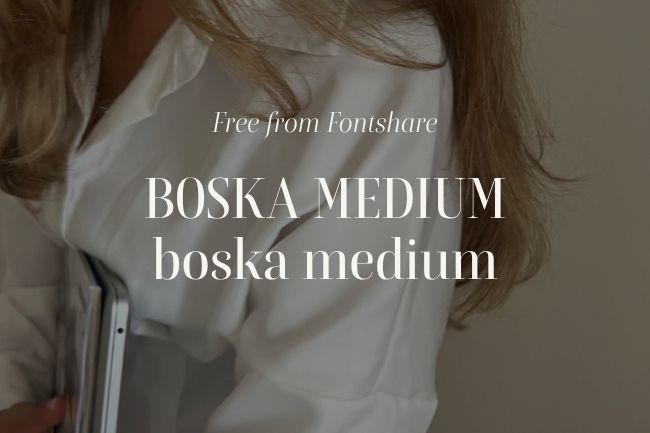
The feel: Romantic, elegant, and expressive. A serif, best for big headlines and statement text.
Great for: Wedding planners, photographers, florists, and boutique hotels.
Pair it with: Switzer. Use Boska for your main headlines and Switzer for smaller headings and body text. Switzer’s clean, modern style balances Boska’s more decorative look.
2. Cabinet Grotesk
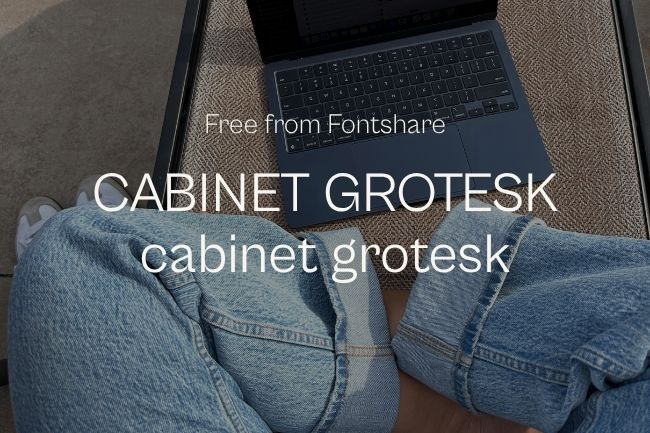
The feel: Modern, confident, and professional. A sans serif with several weights, so it works for headlines and headings.
Great for: Creative studios, marketing agencies, consultants, and professional service businesses.
Pair it with: Satoshi. Use Cabinet Grotesk for bold headlines and Satoshi for smaller headings and body text. The combination creates a clean, modern look without feeling too bold.
3. Gambetta
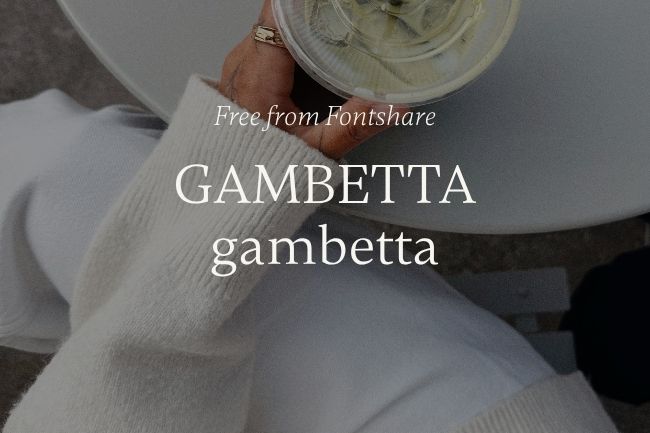
The feel: Classic, warm, and understated. A serif that works well for main headings.
Great for: Real estate agents, interior designers, writers, and professional service providers.
Pair it with: General Sans. Use Gambetta for your main headings and General Sans for body text and smaller headings. Together they feel professional without being stiff.
4. Melodrama
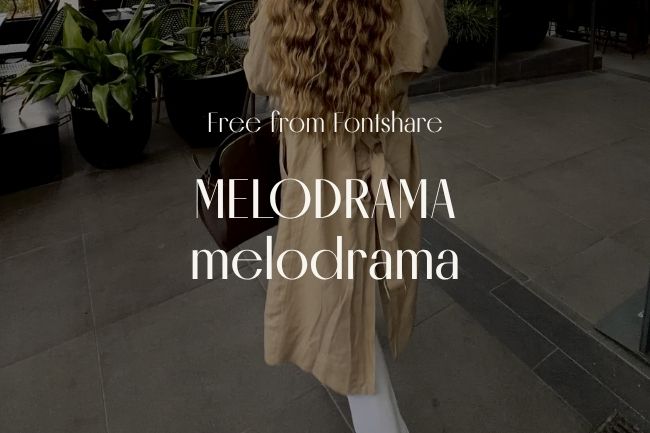
The feel: Dramatic, artistic, and bold. A serif, best for large statement headlines.
Great for: Fashion brands, beauty studios, photographers, and creative businesses.
Pair it with: Synonym. Use Melodrama for big statement headlines and Synonym for everything else. Keeping the rest simple lets Melodrama stand out without taking over the page.
5. Clash Display
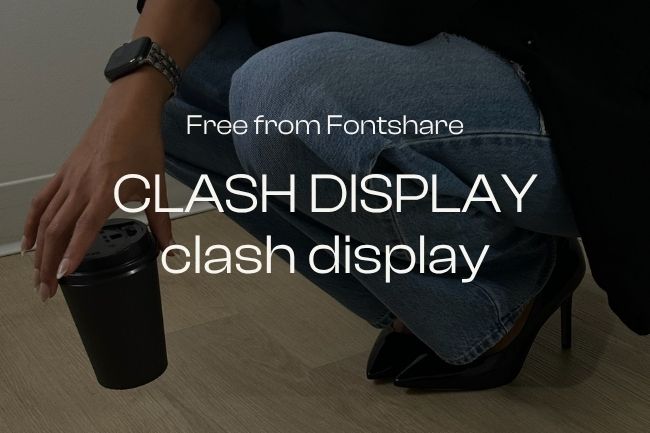
The feel: Bold, energetic, and contemporary. A sans serif, best for short, punchy headlines.
Great for: Fitness studios, creative agencies, event businesses, and lifestyle brands.
Pair it with: Switzer. Use Clash Display for your main headlines and Switzer for smaller headings and body text. Switzer’s simple design keeps the page clean and easy to read.
6. Pally Medium
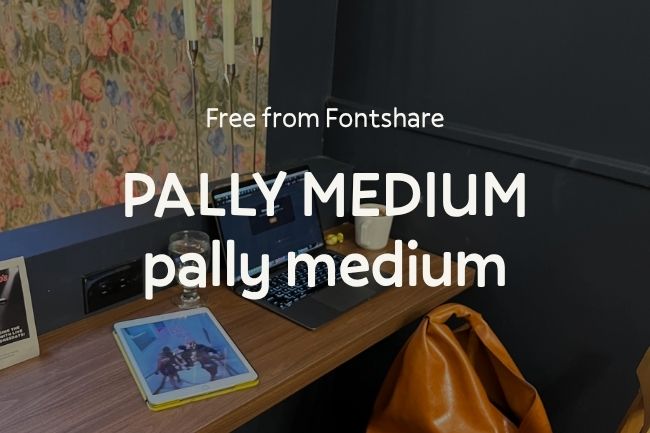
The feel: Friendly, playful, and approachable. A sans serif that works for headlines and smaller headings.
Great for: Bakeries, children’s brands, family-focused businesses, and creative entrepreneurs.
Pair it with: Neco Regular. Use Pally for your main headlines and Neco for smaller headings and body text. Neco’s classic serif style adds a nice contrast to Pally’s playful personality.
7. Gambarino
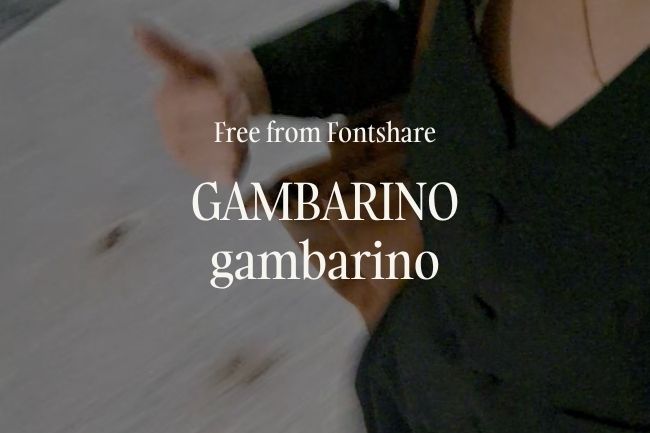
The feel: Artistic, unconventional, and expressive. A serif, best for headlines.
Great for: Artists, boutique brands, interior designers, and creative studios.
Pair it with: Switzer. Use Gambarino for your main headlines and Switzer for smaller headings and body text. Switzer’s clean letters balance Gambarino’s expressive style.
8. New Title Regular
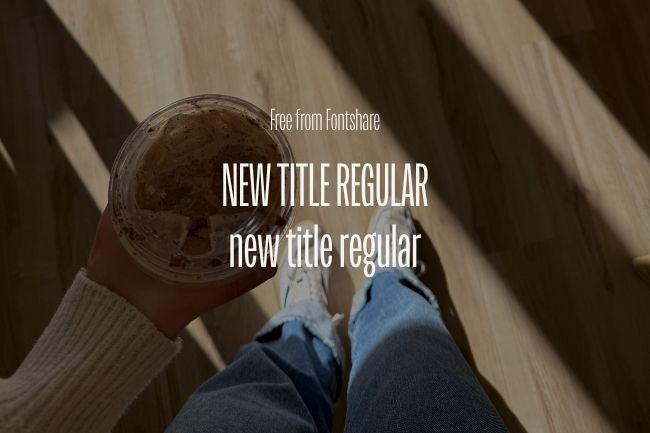
The feel: Timeless, polished, and refined. Best for headlines and main headings.
Great for: Architects, interior designers, and boutique hospitality businesses.
Pair it with: Satoshi. Use New Title for your main headings and Satoshi for smaller headings and body text. Satoshi’s modern simplicity keeps the pairing fresh instead of stuffy.
9. Zodiak Light
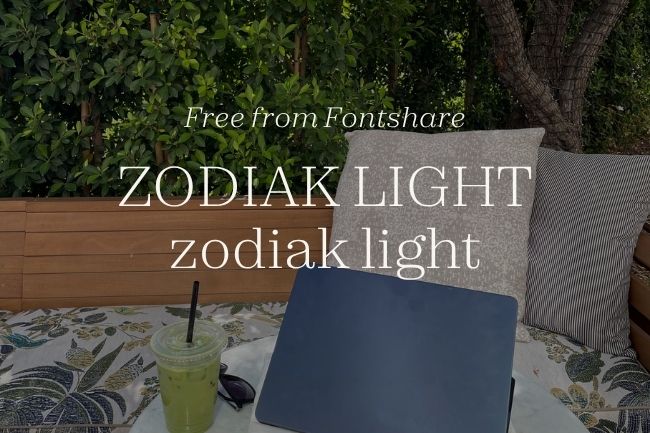
The feel: Delicate, airy, and sophisticated. A serif, best for large headlines with plenty of white space.
Great for: Wedding professionals, beauty brands, photographers, and wellness businesses.
Pair it with: General Sans. Use Zodiak Light for large headlines and General Sans for smaller headings and body text. General Sans’s sturdier letters balance Zodiak’s thin strokes.
How to Use These Fonts on Your Website
Finding a font you love is a good start, but how you use it matters just as much. Here are a few simple tips.
Pick two fonts that work together
For most small business websites, two font families are plenty. Use one with some personality for headlines and something simpler for smaller headings and body text. They should be different enough that each one has a clear job.
Make it easy to read
Some fonts look great in a big headline but are hard to read at small sizes. Decorative fonts and very light weights work best for titles, not paragraphs.
For body text, start around 16px to 18px, make sure there’s enough contrast between your text and background, and check how it looks on mobile.
Keep your styles consistent
Choose a style for your titles, headings, subheadings, and body text, then use them across your site. You can add variety with size, weight, and spacing instead of more fonts. It helps visitors scan your pages and keeps everything looking cohesive.
Test before you commit
A font can look great in a sample image and feel different on your site. Try it with your real copy: a large headline, a smaller heading, and a paragraph of text. See how the fonts work together and whether everything is easy to read.
Check desktop and mobile too. Thin strokes, decorative details, and tight letter spacing get harder to read on small screens.
Which Font Is Right for Your Website?
The best font isn’t the trendiest or the fanciest. It’s the one that fits your business, works with the rest of your design, and makes your content easy to read.
Pick a few favorites from this list, try them with your own content, and see which combinations feel right.
Want more help? Read my guide to choosing fonts for your website.
Be the first to comment